












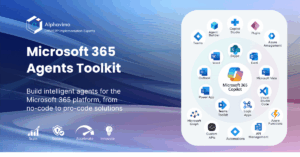
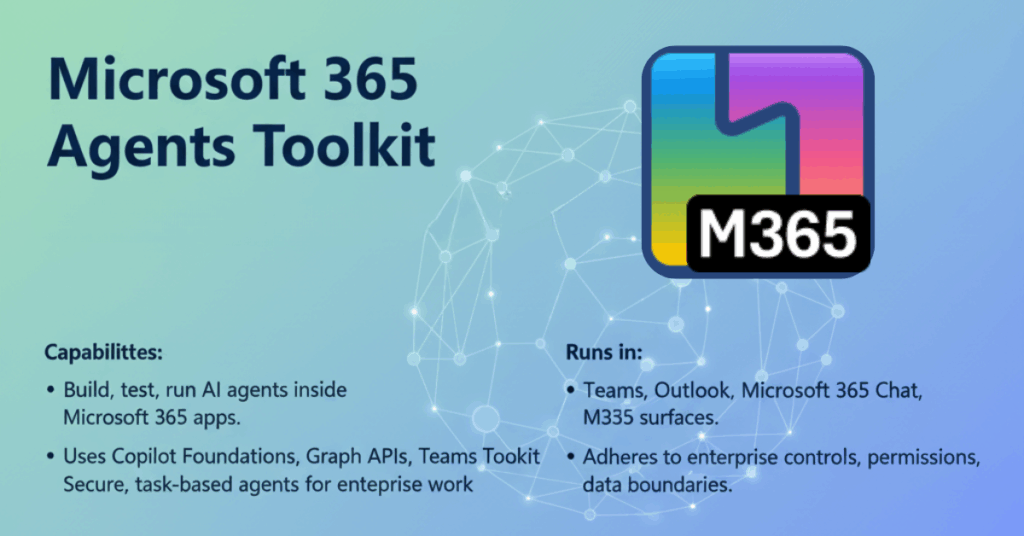
Microsoft 365 Agents Toolkit gives developers a simple path to build, test, and run AI agents inside Microsoft 365 apps. It uses Copilot Foundations, Graph APIs, Teams Toolkit, and secure M365 services to help you build task-based agents that handle real work inside your organization.
These agents run inside Teams, Outlook, Microsoft 365 Chat, and other M365 surfaces. They follow your enterprise controls, permissions, and data boundaries.
This guide explains how the toolkit works, what you can build, and how to get started.
What is the Microsoft 365 Agents Toolkit?
The Microsoft 365 Agents Toolkit is a set of tools, libraries, and templates that help developers build AI agents using Microsoft 365 services.
It includes:
• Agent runtime
• Agent schema
• Skills integration
• Copilot Foundations
• Teams Toolkit extension for Visual Studio Code
• Tools for prompts, memories, and orchestration
• Secure Graph API access
You can explore the official source code, templates, and samples in the Microsoft 365 Agents Toolkit GitHub repository.
The toolkit lets you build agents that:
• Read and update Microsoft 365 data
• Trigger flows and processes
• Respond inside Teams
• Use enterprise authentication
• Follow service-level security
• Use custom logic and custom skills
This gives organizations a controlled and safe way to extend Copilot with internal systems.
How Microsoft 365 Agents Work
Agents rely on four main elements.
1. Goals
Clear tasks for the agent.
For example:
“Create a weekly status report from Planner tasks.”
2. Actions
Functions or skills that the agent can run.
Examples: Graph calls, plugins, API triggers, custom logic.
3. Memory
Short-term and long-term information that helps the agent maintain context.
4. Prompts
Structured instructions that guide how the agent behaves.
The toolkit brings all four together and gives you a runtime to test and deploy the agent.
Where Agents Can Run
Using this toolkit, you can deploy agents into:
• Teams chat
• Teams channels
• Microsoft 365 Chat
• Copilot inside Outlook
• Plugins built on Microsoft Graph
Most organizations start with Teams because it gives employees direct access from their daily workspace.
Key Benefits for Businesses
1. Faster task execution
Agents can file updates, check data, pull reports, and handle routine steps without human effort.
2. Built on Microsoft Graph
You can use Graph to read emails, files, calendars, tasks, user profiles, Planner boards, SharePoint lists, and more.
3. Secure by design
Agents run under Microsoft 365 identity.
They follow tenant policies, permissions, and audit logs.
4. Reusable skills
Developers can bundle common processes into skills for multiple agents.
5. Simple to build
Teams Toolkit handles wiring, permissions, scaffolding, and debugging.
What You Can Build With Microsoft 365 Agents Toolkit
1. Sales and CRM agents
• Update CRM records
• Pull customer notes
• Generate meeting summaries
• Prepare account handover data
2. HR and admin agents
• Onboarding steps
• Leave summaries
• Policy lookups
• Document routing
3. Project agents
• Daily standup reports
• Ticket summaries
• Task allocation
• Risk updates
4. IT support agents
• Password reset process
• Device inventory checks
• Knowledge base retrieval
• Ticket creation
5. Finance agents
• Vendor updates
• Budget notes
• Invoice summaries
• Monthly close reminders
The use cases are almost endless when you combine skills, plugins, and Graph.
How to Build an Agent with the Toolkit
Below is a simple sequence that developers follow. Follow the official setup steps here: Install the Microsoft 365 Agents Toolkit (Teams Toolkit)
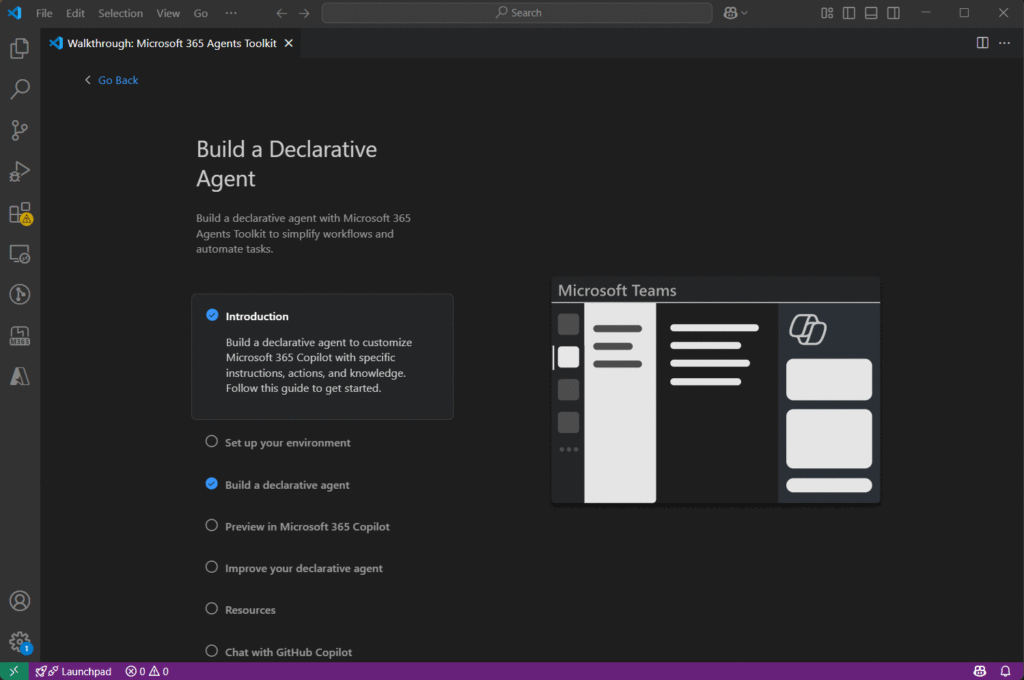
Step 1: Install the Teams Toolkit for Visual Studio Code
This extension includes:
• Agent templates
• Debugger
• Project scaffolding
• Microsoft 365 integration
Step 2: Create an agent project
Select “AI Agent” from the toolkit menu.
This adds:
• Agent manifest
• Prompt templates
• Action handlers
• Graph integration setup
Step 3: Add skills and actions
You can add:
• Custom functions
• Graph calls
• REST APIs
• Power Automate flows
• Internal service triggers
Step 4: Connect Microsoft Graph
Use Graph for:
• Files
• Calendar
• Messages
• Tasks
• Lists
• Groups
The toolkit handles authentication.
Step 5: Add memory
Short-term memory helps with context.
Long-term memory helps with personalization or stored data.
Step 6: Test in Teams
Run the local debugger and test the agent inside your Teams sandbox.
Step 7: Deploy to your tenant
Publish the agent app package.
Assign permissions.
Roll out to selected users or groups.
Developer Features You Should Not Miss
1. Agent SDK
A set of modules to create goals, handle prompts, manage memory, and run actions.
2. Copilot Foundations
Pre-built reasoning, grounding, and safety.
3. Orchestration
The agent breaks tasks into smaller steps and executes them in sequence.
4. Plugin integration
Connects to Custom Connectors, internal APIs, and Logic Apps.
5. Agent Playground
A preview environment coming soon that lets developers test prompts before deployment.
For detailed developer documentation, see the Microsoft 365 Agents Developer Overview.
Conclusion
Microsoft 365 Agents Toolkit gives developers a direct way to build task-driven agents inside Microsoft 365. With Graph, Teams Toolkit, and secure M365 services, your organization can build agents that support real processes without exposing data to unsafe systems.
The toolkit gives you full control, enterprise security, and flexibility to create agents that help teams work faster.
If your business wants to start with Microsoft 365 Agents, our team at Alphavima can help you design a custom agent, set up skills, and connect your systems to Microsoft 365.
Need help building your first Microsoft 365 agent?
Talk to our team and explore what the toolkit can do for your systems.
FAQs
What is the Microsoft 365 Agents Toolkit?
It is a set of tools, templates, and libraries that help developers build and run AI agents inside Microsoft 365 apps such as Teams, Outlook, and Microsoft 365 Chat. It uses Microsoft Graph, Teams Toolkit, and Copilot Foundations.
Do I need coding experience to build agents?
Yes. You need basic knowledge of JavaScript or TypeScript. The Teams Toolkit handles most of the setup, but custom skills and Graph calls require code.
Can agents access Microsoft 365 data?
Yes. Agents can read and update files, messages, calendars, tasks, lists, and user data through Microsoft Graph. Access depends on your tenant permissions.
Where can I deploy agents?
You can deploy agents inside Microsoft Teams, Teams channels, Microsoft 365 Chat, and other Microsoft 365 surfaces that support Copilot extensions.
How do agents use skills?
Skills are small functions or API calls that the agent can run to complete tasks. You can add custom skills, Graph skills, Power Automate flows, or external APIs.
Is the Microsoft 365 Agents Toolkit secure?
Yes. Agents run within Microsoft 365 identity and use your tenant security policies, audit logs, and permissions. This gives full control over data access.
Can I integrate my CRM or ERP with agents?
Yes. Agents can connect with systems such as Microsoft Dynamics 365 for CRM or ERP processes. You can also call custom APIs for external systems.
How do I get started with the toolkit?
Install the Teams Toolkit for Visual Studio Code, create a new agent project, add skills, connect Graph, test inside Teams, and deploy to your tenant. You can also get support from a certified partner like Alphavima.