



Alphavima India

Alphavima
Microsoft Solutions PartnerMicrosoft Dynamics 365Dynamics 365Customer EngagementMicrosoft Copilot

Home/Services/Integration and Development

Integration and custom development

Dynamics 365 integration and custom development in India

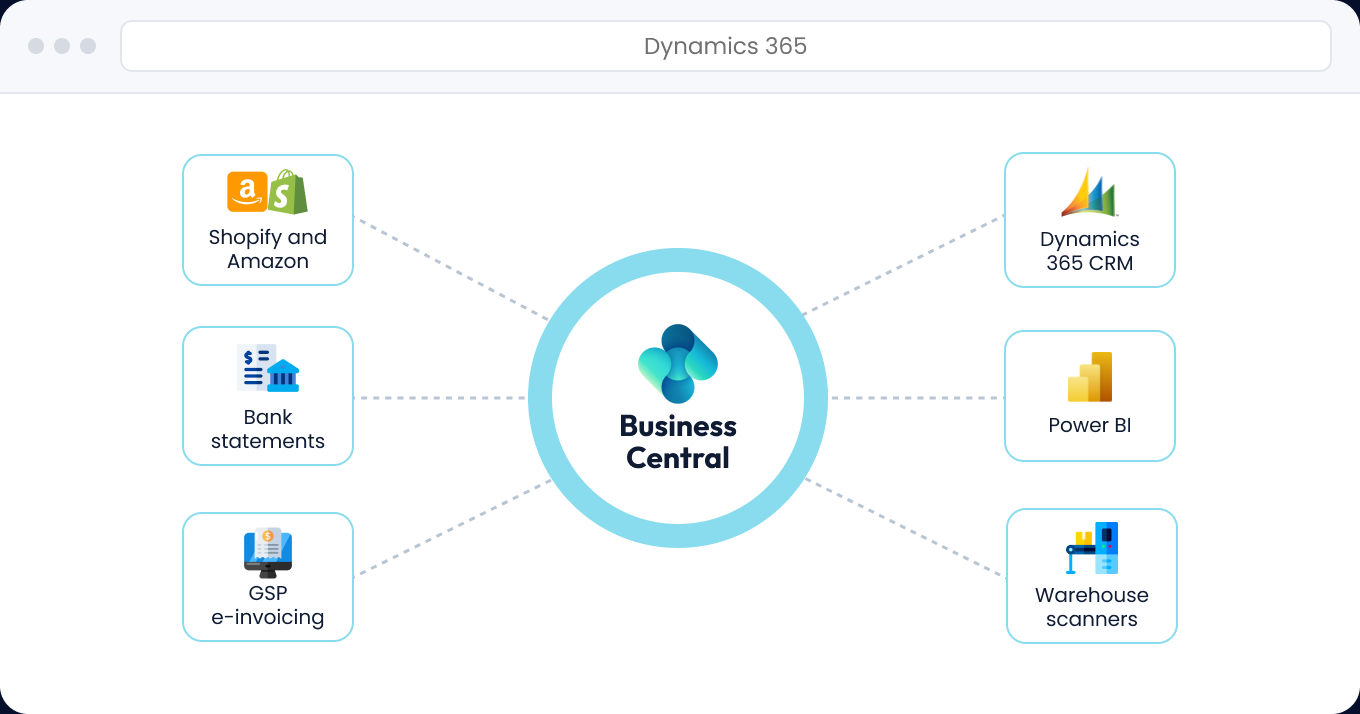
The ERP is one system in a landscape you already have: a GSP for e-invoicing, a marketplace feed, a bank, a plant system somebody built in 2011. We connect them and, more importantly, we define what happens when one of them fails.

GSP and IRP connections for e-invoicing and e-way billsMarketplace, banking, payroll and plant system feedsAL extensions written in house, so upgrades stay survivable

ImplementationMigration and UpgradeSupportConsultingIntegrationIT Advisory

Microsoft Solutions Partner for AI Business Solutions (formerly Business Applications) and Modern Work. ISO 27001 and ISO 9001:2015 certified.

20+

years in business

100+

Microsoft-certified consultants

100+

clients globally

97%

client satisfaction

Why this matters more in India

A silently failed interface is a compliance problem, not an inconvenience

Everywhere, an integration that stops without telling anyone is bad. In India, when that integration is your e-invoicing feed, it becomes a filing problem with a date attached.

Two things go wrong with interfaces. The first is re-keying: somebody types an order from one system into another and the two disagree by the time anyone checks. The second is the interface nobody owns, built years ago by somebody who has left, which works until an API changes and then fails quietly.

The second is worse, because the business carries on trusting numbers that stopped updating. A visible failure gets fixed the same day. A silent one gets discovered when a customer asks where their material went, or when a return does not tie.

Neither is a reason to avoid integrating systems. Re-keying is slower and less accurate than almost any alternative, and a landscape of disconnected systems is its own risk. The point is designing for both failure modes from the start, rather than discovering them in production.

Ask before you sign

What a good integration design states

Which system owns which field. Field by field, not system by system. Two systems writing the same field will drift.Direction and trigger. One way or two, scheduled or event-driven, and what delay is acceptable.What happens on failure. Retry policy, where non-retryable errors go, and who is told.Who owns it after go live. Named in writing, including who validates it against each Microsoft release.
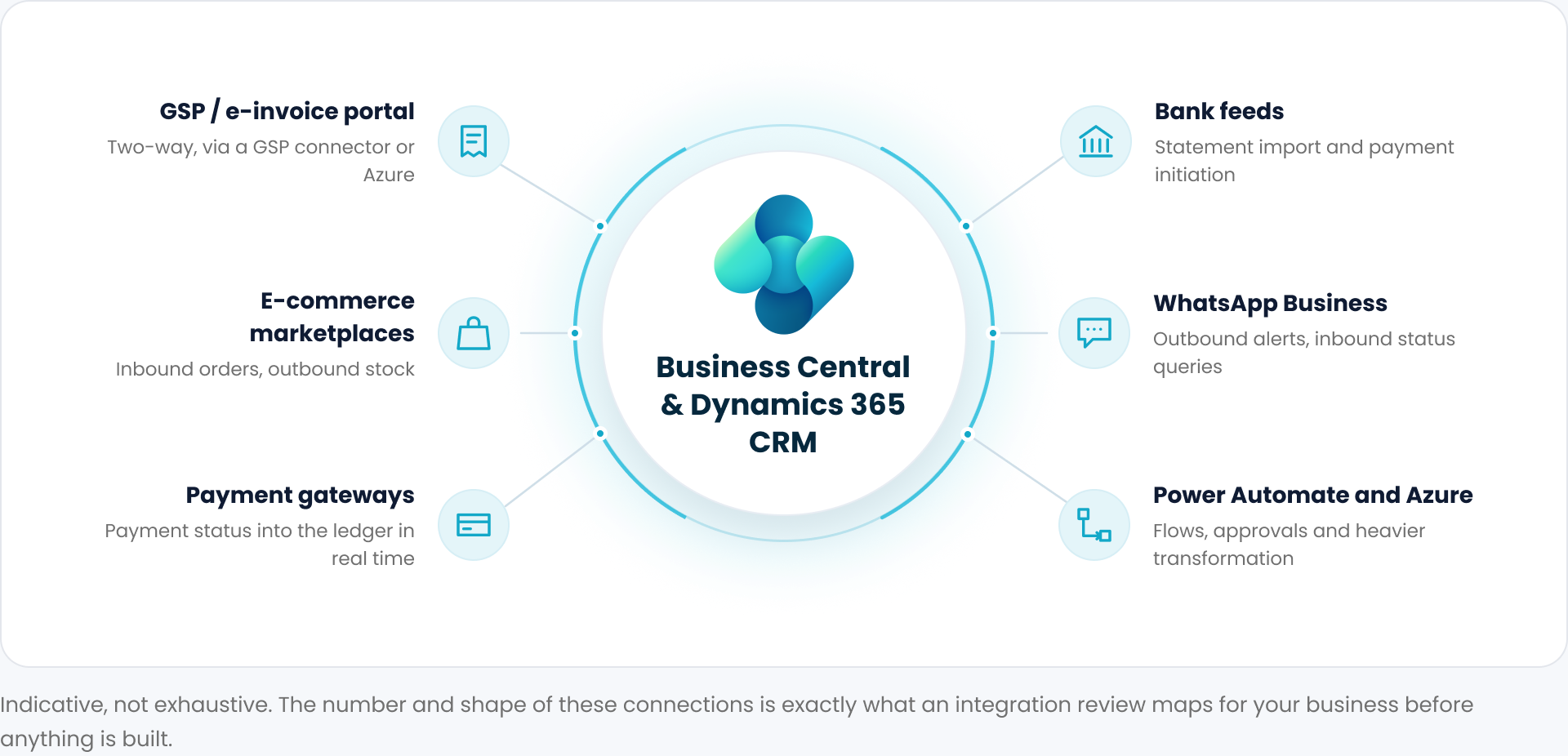

The landscape

What actually connects to Business Central and Dynamics 365 CRM

A typical Indian mid-market landscape, drawn once rather than described six times.

Four routes

How the ERP actually connects to things

There is no single right answer. Which route fits depends on volume, how quickly data must arrive, how much transformation is needed, and who has to support it afterwards. That last one is the constraint most designs ignore.

Business Central REST APIs

Microsoft’s recommended route and the default for real volume. Documented, versioned, and what most other options are built on. This is where most integration work starts, and it is why it gets the largest tile here rather than equal billing with the rest.

Power Platform connectors

Right for lower volume, user-triggered flows and approvals. Fast to build and easy to change. Watch premium connector licensing before designing around one.

Dataverse

The natural route to Dynamics 365 CRM, because the two share the platform. Accounts, products, quotes and orders are well-trodden ground.

Azure integration services

Where volume, transformation complexity or error handling exceed what a connector gives. More to build and more to run, and worth it exactly when it is needed: the GSP and e-invoice connection, marketplace settlement, and anything where a silent failure would be a compliance problem.

What actually matters

The five interfaces almost every Indian landscape has

Direction and typical route decide how each is built. What matters is the note beside it, because that is the part a generic integration plan usually misses.

GSP / e-invoice portal

Two-way, via a GSP connector or Azure integration servicesIRN and signed QR returned; compliance-critical, needs alerting

Bank feeds

Two-way, via Business Central APIs or a bank connectorStatement import and payment initiation, reconciled daily

E-commerce marketplaces

Inbound orders, outbound stock, via Azure integration servicesSettlement reconciliation is the hard part, not the order feed

WhatsApp Business

Outbound alerts and inbound status queries, via Power Platform or AzureOrder confirmations, dispatch alerts, payment reminders

A fifth interface, payment gateways, is two-way through Business Central APIs or Azure, and what matters is payment status reaching the ledger in real time rather than being reconciled the next day.

When it breaks

Every integration fails eventually. The design question is what happens then

An API changes, a certificate expires, a portal is down at month end, a network drops mid-batch. None of that is avoidable. All of it is designable.

Retry

Transient failures retry on a defined schedule with a backoff, because most network problems resolve themselves and a human should not be involved.

Quarantine

What cannot be retried goes somewhere it can be inspected and reprocessed, with the original payload intact. Not discarded, and not written anyway.

Alert

A named person is told, through a route they actually watch. An alert nobody reads is the same as no alert.

Reconcile

Counts on both sides, compared on a schedule. The only thing that catches an interface running successfully while quietly skipping a document type, which is the failure mode that costs the most because nobody notices it as a failure.

Lead magnet

Get an integration risk map

List what already talks to your ERP. We come back with which interfaces are straightforward, which fail silently today, and what a proper retry and alerting design would look like.

Common questions

What people ask about integration

Have a question that is not covered here? Send it to a consultant and you will get a reply within one working day. The full list is on our FAQs page.

How does e-invoicing integration actually work?

Business Central holds the invoice data. The IRN and the signed QR code are issued by the Invoice Registration Portal, and getting there in practice means a GST Suvidha Provider or an equivalent API integration. So there are three parties, not one, and the failure modes matter: what happens when the portal is down at month end, what happens to a rejected invoice, and who is told. Those answers belong in the design, not in a support ticket.

After a review, yes. We need to see what it does, how it authenticates, what it does on failure and whether it is documented. Some are straightforward to adopt. Some are cheaper to rebuild than to inherit, and we will tell you which rather than quietly taking on a liability.

Every integration we build has a defined retry policy, a route for errors that cannot be retried, and monitoring that tells a named person. An interface that fails silently is worse than no interface, because the business carries on trusting numbers that stopped updating. In India this is sharper than elsewhere, because a silently failed e-invoice feed becomes a compliance problem rather than an inconvenience.

Only when the requirement genuinely belongs inside posting logic. There are four answers to a gap in order of cost: change the process, configure standard, build it on Power Platform beside the ERP, or write an AL extension inside it. Every extension is a permanent maintenance commitment across two Microsoft releases a year, and we say so before writing one.

Client outcomes

Client outcomes delivered by Alphavima

Selected stories from Alphavima’s global client base in North America and the UK, delivered on the same Microsoft platforms we implement for businesses in India.

01 / 03

Equipment and fleet distribution · USA

Reporting cycle from 15 days to live, with 3 ERPs in one warehouse

Live reporting across three ERPs

Custom Truck One Source

Power BIAzure Data LakeAzure Data Factory

Retail · Canada

One customer view joined across online and in-store data

A single customer view with embedded Power BI

Walmart Labs Canada

Power BI EmbeddedGoogle Cloud Platform

Nonprofit · Canada

+32% membership renewal rate and 87% fewer manual data errors

Membership and donation tracking for a conservation charity

Canadian Wildlife Federation

Power AppsPower AutomatePower Pages

Next step

Work out what has to talk to your ERP

An integration review lists every interface, names the right route for each, and flags the ones that only exist to prop up the system you are leaving.